
Automation Tasks
Welcome to the Automation Tasks documentation for AZExecute. Automation Tasks enable you to orchestrate complex workflows across Azure and on-premises environments by combining multiple automation steps into reusable, executable tasks.
What are Automation Tasks?
Automation Tasks are workflow orchestrations that combine multiple steps to automate complex operations. Each task can execute a sequence of actions including:
• Running Azure Automation runbooks
• Executing PowerShell or Bash scripts on AZExecute agents
• Running scripts on Azure VMs through Azure Run Command
• Creating or updating TOPdesk incidents
• Creating users, creating groups, and updating objects in Active Directory
• Managing Windows services, SCOM maintenance mode, Windows DNS, public DNS, and Cisco Umbrella entries
• Triggering Azure DevOps pipelines
• Copying files between agents and Azure Blob Storage, or creating/extracting zip archives on an agent
• Deploying certificates to machines, Key Vault, Application Gateway, Application Proxy, Citrix ADC, and Azure-native services
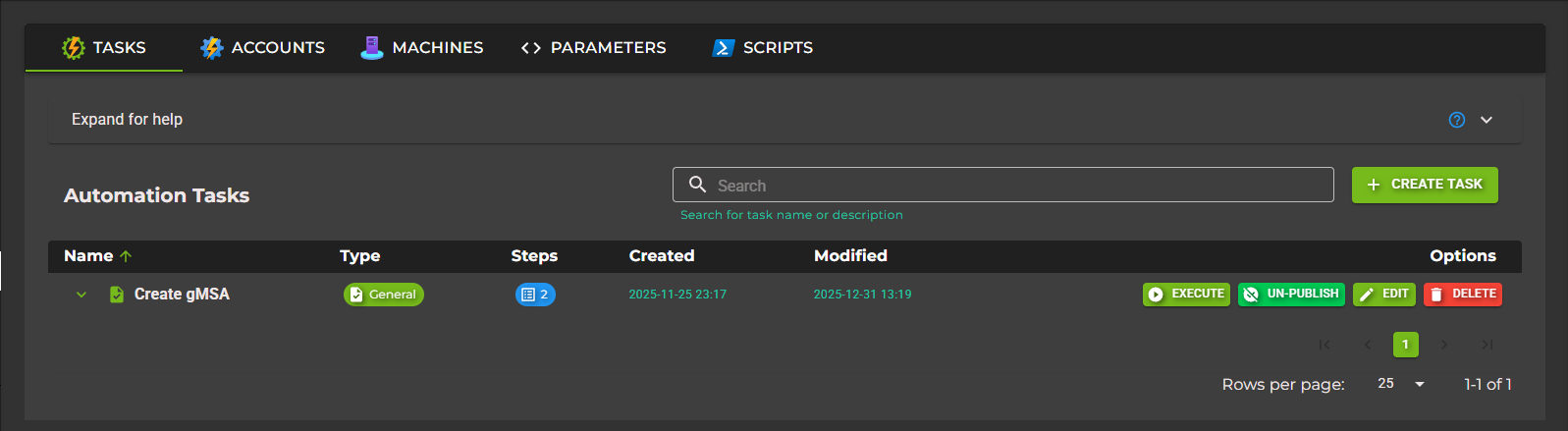
Key Features
Multi-Step Workflows:
Chain multiple automation steps together to create complex workflows. Steps normally run in order, and output from earlier steps can be reused by later steps with variables.
Reusable Custom Parameters:
Define parameters once and reuse them across multiple automation tasks. Parameters can be mandatory or optional, with support for various types including text, dropdowns, and checkboxes.
PowerShell Module Sync:
Manage Gallery and custom PowerShell module versions centrally, then synchronize them to direct AZExecute agents or agent groups before scripts run.
Global Variables:
Share data between steps using variable references with the {{ VariableName }} syntax. Variables can come from user input, certificate task context, scripts, TOPdesk steps, Active Directory actions, and other step output.
Parallel Execution:
Organize steps into execution groups and decide whether a group should wait for the previous group or start in the same execution stage. Individual steps can still use step-level parallel execution when the work inside a group is independent.
Error Handling:
Use Stop on Failure to control whether task execution halts when a step fails or continues with remaining steps.
Publishing & Sharing:
Publish automation tasks to end users with role-based access control. Published tasks appear in a user-friendly interface for execution without requiring operator privileges.
Approval Flow:
Require approval before a task starts. Required approvers gate execution, optional approvers can intervene, and any configured approver rejection stops the run.
Execution History:
Track all task executions with detailed history including status, duration, step-by-step results, and error details for troubleshooting.
Execution Groups
Automation task steps are displayed in groups. A group is a practical execution stage: keep dependent steps in the same ordered flow, and split unrelated work into separate groups when it can run independently.
• A group header shows the group name, step count, and whether the group runs with the previous group.
• Run with previous group starts that group in the same execution stage as the group above it.
• Leave the setting off when the group depends on outputs, installed files, service state, or variables from the previous group.
• Use step-level parallel execution only inside groups where those individual steps do not depend on each other.
Task Types
AZExecute supports two types of automation tasks:
General Tasks:
Standalone automation workflows for any purpose. These tasks are created manually and can contain any combination of supported step types.
Certificate Tasks:
Specialized tasks linked to ACME certificate templates. These tasks are automatically associated with certificate renewal workflows and can automate certificate deployment after renewal.
Use Cases
Common scenarios where Automation Tasks provide value:
Certificate Deployment: Automatically deploy renewed certificates from Key Vault to application servers and restart services.
Application Deployment: Orchestrate complex deployment workflows involving Azure resources, on-premises systems, and DevOps pipelines.
Disaster Recovery: Create automated failover sequences that execute across multiple systems in the correct order.
Compliance Automation: Run scheduled compliance checks across your infrastructure with automated remediation steps.
Self-Service Operations: Publish pre-approved automation tasks to end users, enabling them to perform operations safely without operator access.
Getting Started
To begin using Automation Tasks, we recommend following this learning path:
1. Getting Started Guide - Create your first automation task
2. Automation Tasks - Learn about task configuration and management
3. Event Listeners - Route platform events into TOPdesk incidents or automation task runs
4. Approvals - Understand approval gates, required approvers, optional approvers, and TenantAdmin override
5. Task Steps - Understand all available step types
6. Custom Parameters - Create reusable parameters
7. Global Variables - Share data between steps
8. PowerShell Modules - Manage module versions and synchronize them to agents
9. Automation Accounts - Manage imported Automation Accounts and runbooks
10. Machines - Manage run-command targets and AZExecute Agent installation
11. Scripts - Build and manage reusable script content